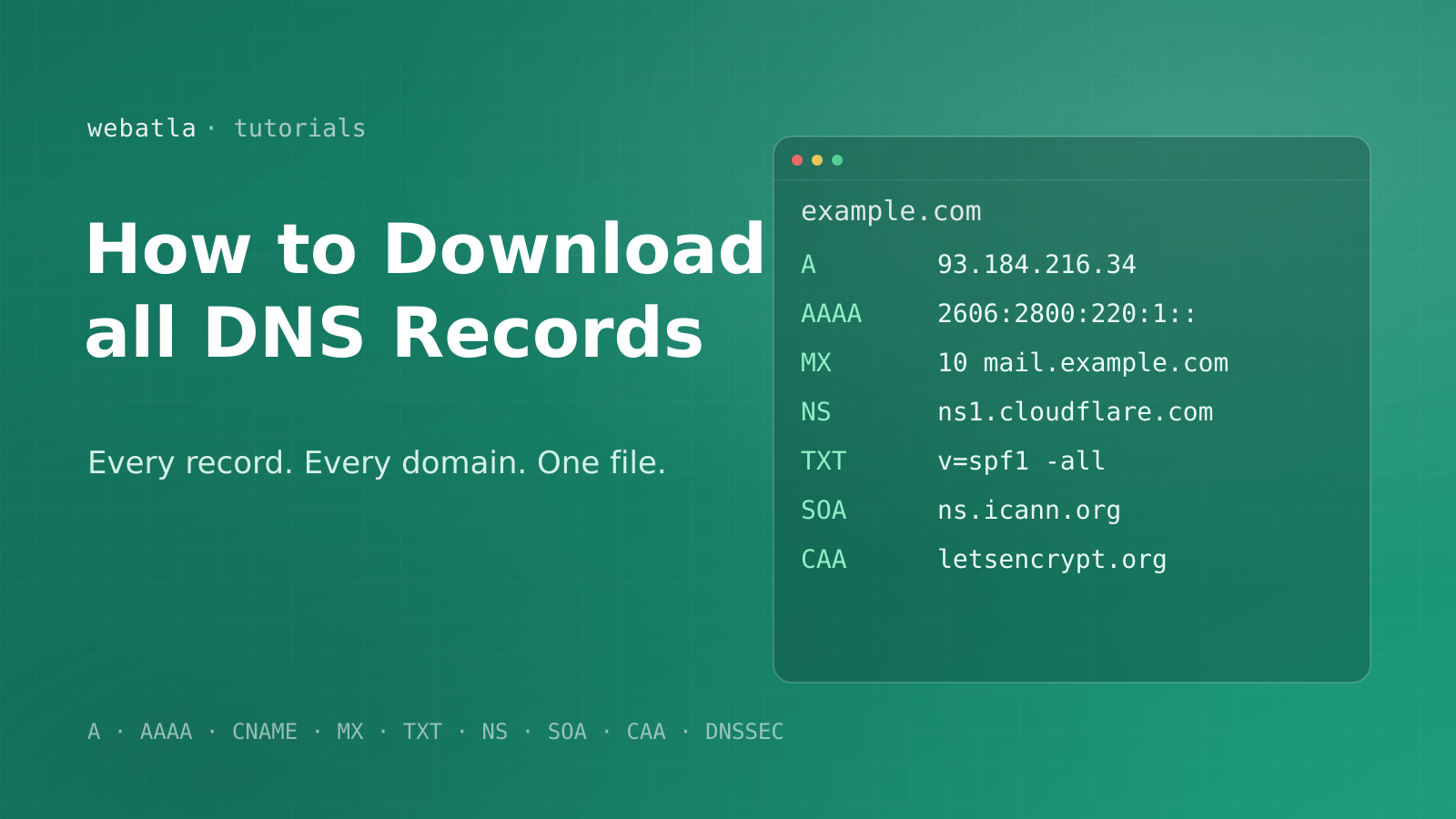
Every DNS record for every domain on the internet, in one file. That is what getting the full picture really comes down to, and there is one clean way to do it. You do not want a script that hammers resolvers for a week and still times out on half the internet. You want the A, MX, TXT, and NS entries for hundreds of millions of names, already collected, parsed, and ready to query. This is what you buy.
What is a DNS record?
A DNS record is one line in the internet's address book. It tells the world where a name lives and the way to reach it. Which server answers on the web, where its email goes, which nameservers are authoritative, and more. Every active name carries a handful of them, and together they are the operational fingerprint of that domain.
There are a few record types you meet again and again:
| Record | What it does | Example value |
|---|---|---|
A |
points a domain at an IPv4 address | 93.184.216.34 |
AAAA |
points a domain at an IPv6 address | 2606:2800:220:1:: |
CNAME |
aliases one name onto another, never at a zone apex | cdn.example.com |
MX |
routes the domain's email | mail.example.com (priority 10) |
TXT |
free-form text, holds SPF and verification tokens | v=spf1 include:_spf.google.com ~all |
NS |
the domain's authoritative nameservers | ns1.cloudflare.com |
SOA |
start-of-authority metadata for the zone | primary NS, serial, refresh, retry, expire |
CAA |
which authorities may issue its certificates | letsencrypt.org |
Pull all of these for one name and you know the way it is hosted, who runs its mail, and the security its owner set. Pull them for every name at once and you hold a map of the entire internet's infrastructure. That second dataset is the one worth having, and the one nobody hands out for free.
The records that do the heavy lifting
A handful of these types carry most of the signal. The A record is the one most people picture, mapping a name to an IPv4 address so a browser knows which server to reach. The MX record does the same job for email, naming the servers that accept a message and ranking them by priority. The TXT record is the quiet workhorse of email security. On the domain itself, the SPF record lists who may send mail as you. The matching DKIM signing keys and DMARC policy live on dedicated subnames (_domainkey and _dmarc), and together the three tell you how well an address is protected, since it is the DMARC policy, not the mere presence of records, that enforces anything. The NS record names the authoritative servers that answer for the zone, which tells you who really runs a name's resolution.
Why you cannot pull every DNS record yourself
In theory you could resolve every name with dig in a loop. In practice that plan dies fast. There are hundreds of millions of domains, and each one needs several queries to capture every type, so you are staring at billions of lookups. Public resolvers rate-limit and then block you long before you finish. Authoritative servers throttle. Timeouts, retries, and transient failures mean a single pass is never complete, and it keeps changing while the crawl runs, so the answer is stale before it lands.
Then there is parsing. Raw responses are wire-format packets, not a tidy export. Turning billions of them into clean, typed entries you can actually query is its own engineering project on top of the crawl. Most teams start this, watch it eat a quarter, and quietly give up.
The failures are not even random. Large providers deliberately throttle bulk resolution, so the more thorough your crawl, the faster it gets shut down. Authoritative servers using GeoDNS hand back different answers by location, so a single vantage point silently misses records that only appear in one region. By the time you have engineered around all of it, you have built a small distributed system whose only output is data someone already sells finished.
That is the problem webatla already solved. We resolve the whole namespace on a rolling schedule, parse every answer into structured JSON, and hand you the finished dataset. You skip the crawl, the bans, and the parsing, and go straight to the data.
How webatla collects every record
The difference from a DIY crawl is distribution and patience. webatla resolves the namespace from many vantage points on a rolling schedule, so no single resolver is ever hammered, and every answer is validated and parsed into a typed entry before it reaches the export. A name that fails one pass is retried on the next, so coverage climbs over time instead of decaying. The result is the part you actually wanted all along. A clean, typed entry for every name, not a pile of packets to debug.
Every DNS record, in one file
The webatla DNS dataset is the answer to getting all DNS records at once. Every domain we track, with its A, AAAA, CNAME, MX, TXT, NS, SOA, CAA, and DNSSEC entries collected and parsed into one clean dataset. It spans every TLD, it is rebuilt on a rolling basis, and it arrives as JSONL you can query the moment it lands.
No resolver farm to run, no packets to parse, no per-domain rate limit to fight. You buy it once and pull every record on the internet from a single account, ready for analysis in minutes rather than months.
What each line looks like
Each line is one name and its full picture. Alongside the values themselves, every row carries when the data was last checked and whether the lookup succeeded, so you always know how fresh each answer is:
{"domain":"example.com","dnsAt":"2026-06-22","dnsStatus":"TRUE","dnsRecords":{"A":["93.184.216.34"],"MX":[{"host":"mail.example.com","priority":10}],"NS":["a.iana-servers.net","b.iana-servers.net"],"TXT":["v=spf1 -all"],"SOA":{"mname":"ns.icann.org","serial":2026062201,"refresh":7200}}}
| Field | Meaning |
|---|---|
domain |
the domain the records belong to |
dnsRecords |
every type keyed by name (A, MX, TXT, and the rest) |
dnsAt |
the date this domain's DNS was last checked |
dnsStatus |
whether the lookup succeeded |
Need the registration details behind each domain too? Layer the RDAP and WHOIS dataset. Want DNS, registration, and technologies in one place? The all-data bundle joins them for you.
How to work with the file
Because it is JSONL, one domain per line, the data streams into jq, DuckDB, pandas, or Spark without loading into memory. A few examples.
Pull every name and its mail servers:
jq -c '{domain, mx: .dnsRecords.MX}' dns.jsonl
Find every name whose nameservers run on Cloudflare:
jq -c 'select(.dnsRecords.NS[]? | test("cloudflare"))' dns.jsonl > cloudflare-dns.jsonl
Count the names that publish an SPF record, straight over the data:
grep -c '"v=spf1' dns.jsonl
That last line answers an email-security question across the whole internet in seconds. We used the same data to map nameserver and registrar concentration, and the method is identical. One file, one pass, a real answer.
What a full DNS dataset unlocks
Once every entry sits in one queryable dataset, a lot of expensive problems collapse into one-line filters. The value is not any single lookup, which anyone can run by hand. It is holding them at once, so a question that used to mean crawling a million names becomes a scan of a dataset you already have.
The pattern is always the same. The hard part was never the analysis. It was getting complete, current, structured data in the first place, and doing it without a team babysitting a crawler for a quarter. Remove that bottleneck and the questions you can answer in an afternoon are the ones that used to need a project and a budget. What you are paying for is not a clever query. It is the clean, finished input that makes the clever query trivial.
- Email security at scale. Read the SPF record and mail setup for every name to find spoofable inboxes, audit a customer base, or size a market by email provider.
- Attack-surface mapping. Follow A, AAAA, and CNAME records to see where a domain and its subdomains actually resolve, and which shared hosts cluster together. Grouping those A records by IP turns the export into a hosted domains database.
- Provider intelligence. Group domains by NS or MX to measure who runs DNS and email for the internet, and track migrations as they happen.
- DNSSEC adoption. Count DS, DNSKEY, and RRSIG records to see which zones are signed and which are not.
- Certificate hygiene. A CAA record shows which authorities a name trusts to issue its certificates, so a misconfiguration across a whole portfolio surfaces in one pass.
- Migration tracking. When a company moves email or hosting, its MX and NS entries change first, so watching those two record types over time reveals the move before any announcement.
Each of these needs the same starting point. One complete, current set of DNS records for the whole domain namespace, not a sample you resolved by hand.
Always fresh, never a one-time dump
DNS is not static. An A record moves when a site changes host, MX records change during an email migration, and a TXT record shifts every time someone updates a security policy. A file you resolved six months ago is a museum piece.
The webatla DNS dataset is rebuilt on a rolling schedule, and every name carries its own dnsAt timestamp, so you always see how current each entry is. Re-pull on whatever cadence your work needs, and each file reflects the DNS of today.
Frequently asked questions
Which DNS record types are included? The common ones every domain uses, including A, AAAA, CNAME, MX, TXT, NS, SOA, and CAA, plus DNSSEC records like DS, DNSKEY, and RRSIG where present. Everything is parsed into typed JSON, so you never touch a raw packet.
How many domains does it cover? DNS records for the domains across every TLD that webatla tracks, hundreds of millions of them, in one file.
Can I get just MX or just TXT records?
Yes. The file holds every record type per domain, so a single jq or SQL filter gives you only the MX records, only the SPF strings, or whatever slice you need. It is a filter, not a separate purchase.
What format is it?
Clean JSONL, one domain per line, with DNS records as structured JSON. It drops straight into jq, DuckDB, pandas, and BigQuery.
How current is the data?
Rebuilt on a rolling schedule, and each domain carries a dnsAt date so you can see how fresh its records are. Never a stale one-time dump.
Can I match records to IP ownership or location? The A and AAAA records give you the IP addresses, which you join to an IP-intelligence source for ASN reliably and geography approximately.
Do the records cover subdomains? The set is keyed by the registered name, and it captures the entries published at that name.
What does it cost? One flat price for a month of access on a single account. See pricing for the current figure.
Download every DNS record
Stop building a resolver farm that gets you banned before it finishes. Download the webatla DNS dataset → and have every DNS record for every domain, A through DNSSEC, as clean JSONL you can query today. Want registration and technology data alongside it? The all-data bundle carries DNS and the rest in one place. It is the fastest way from "I need all the DNS records" to actually having them.